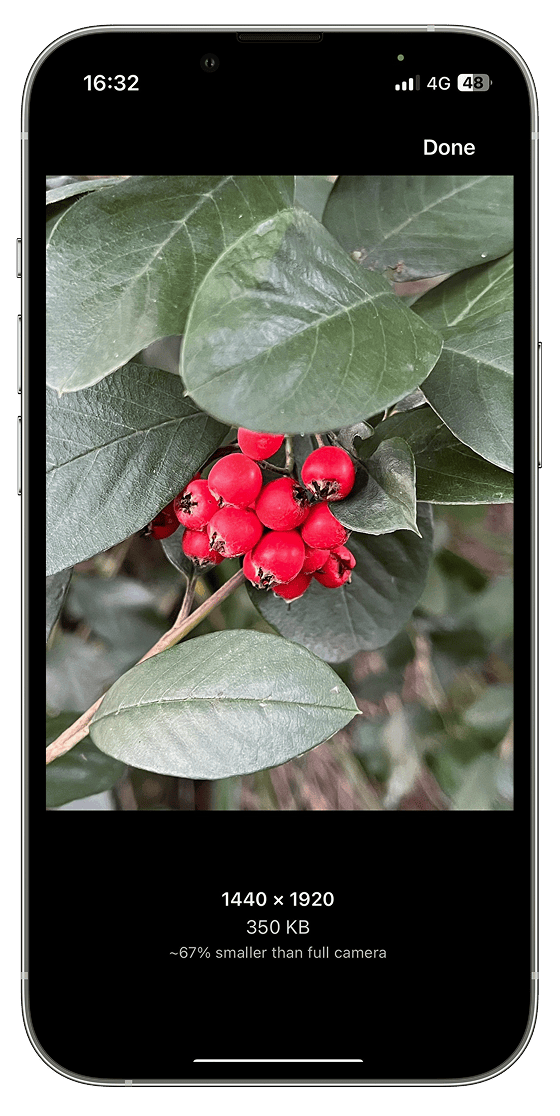
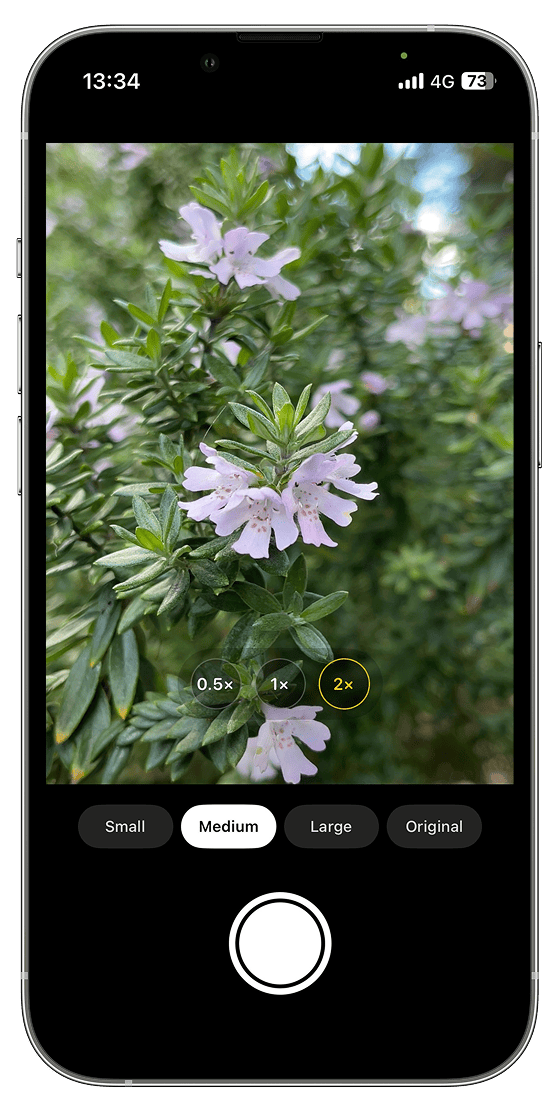
Multiple resolutions
Capture in Small, Medium, or Large — optimised sizes for everyday photography.
ShrinkShot Cam lets you intentionally capture photos in smaller resolutions while preserving quality, EXIF data, and GPS metadata. Perfect for coffee photos, receipts, notes, and documentation.
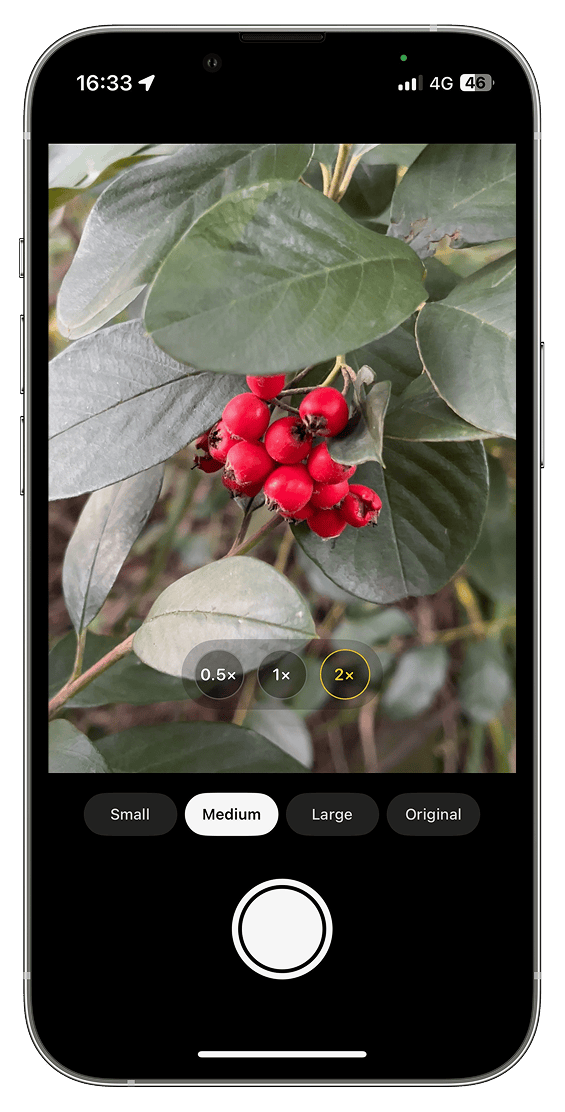
Modern iPhones capture stunning full-resolution images — and fill storage surprisingly fast. ShrinkShot Cam solves this by letting you choose the right size before you shoot, so everyday photos stay useful without consuming unnecessary space.

A fast, distraction-free camera built around intentional capture — with the metadata and zoom tools you expect from a native iPhone experience.
Capture in Small, Medium, or Large — optimised sizes for everyday photography.
Need full camera quality? Switch to Original any time — no compromises when it matters.
Instantly see how much smaller each photo is compared to a full-resolution capture.
Built on Apple’s camera frameworks for fast, reliable capture that feels at home on iOS.
Keep capture date, orientation, and other EXIF details — just like Apple’s Camera app.
Optional location data is written into the photo when you choose to include it.
A clean shutter experience with no unnecessary steps between framing and saving.
Quick access to the optical zoom options available on your iPhone model.
Familiar digital zoom with a simple pinch gesture when you need to get closer.
Resolution controls, zoom presets, and shutter — nothing to distract from the shot.
No account. No ads. No tracking. Photos stay on your device in Apple Photos.
One-off purchase. No accounts, no ads, and no recurring fees to keep capturing.
Smaller photos mean more room on your iPhone, faster sharing, lighter backups, and images that are ideal for messaging and everyday documentation.
Open the camera, choose your resolution, take the shot — that’s it.
Launch ShrinkShot Cam from your Home Screen, or pin it to Lock Screen Controls for even faster access.
Optionally pick the resolution that works best for you — Small, Medium, or Large.
Frame your shot and tap the shutter — you know the drill.
There is no step 4. Your photo is automatically saved to Photos with all metadata intact.
A focused camera experience with clear resolution controls and instant storage feedback.
Swipe to browse · tap to enlarge
ShrinkShot Cam captures at a lower resolution by design — which is different from aggressively compressing a full-resolution photo afterwards. For everyday use, the results remain clear and useful. When you need maximum detail, choose Original.
Full resolution is ideal for prints, cropping, and archival shots. Many photos — receipts, notes, shopping, and casual moments — do not need that much detail, yet they still consume large amounts of storage and backup space.
Yes. Select Original at any time to capture at your iPhone’s full camera resolution.
Yes. ShrinkShot Cam preserves important EXIF metadata such as capture date and orientation, rather than stripping context the way many resize-focused apps do.
Yes, when you allow Location access. GPS coordinates are written into the photo’s metadata and remain on your device unless you choose to share the photo.
No. ShrinkShot Cam does not upload your photographs to external servers. Photos are saved locally to your Photos library.
No. There is no login, no account creation, and no profile to manage.
Yes. Capture works fully offline because photos never need to leave your device for ShrinkShot Cam to function.
ShrinkShot Cam does not require an account, does not collect analytics that identify you, does not show ads, and does not upload your photos. Captures stay on your device in Apple’s Photos library.
Read Privacy PolicyNeed help with permissions, troubleshooting, or feature questions? Visit the support centre or email us — we typically respond within 1–2 business days.
Visit Support
ShrinkShot Cam is a focused iPhone camera for people who care about storage, metadata, and a clean capture experience — without subscriptions.